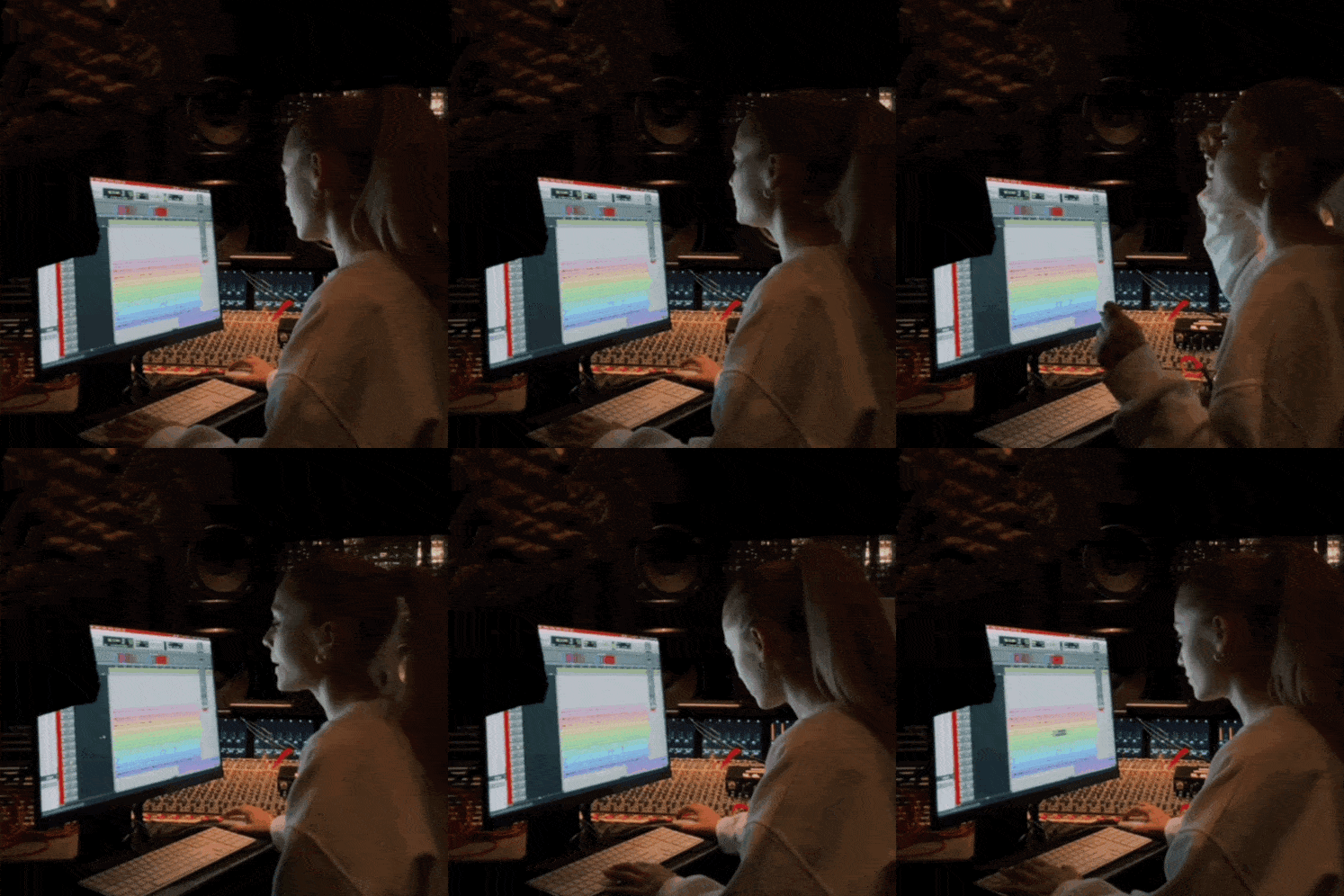
Stems are usually made of audio files, late-night exports and occasionally the quiet tears of a mixing engineer who just received 67 randomly named WAV files called "Audio_01", "final_bounce_REAL_final" and "Lead Vox maybe".
In music production, the word stems gets used all the time. Producers ask for stems. Artists send stems. Mix engineers request multitracks and receive stems. Mastering engineers ask for instrumental stems and get every single hi-hat microphone printed separately.
So, let’s clean this up.
Because when we say stems, we often mean completely different things. And honestly, this small misunderstanding can waste hours, create confusion and make a simple delivery feel far more complicated than it needs to be.
What Are Stems?
Stems are grouped audio tracks.
A stem is usually a stereo or mono audio file that contains a group of related sounds. Instead of exporting every single track separately, several tracks are combined into one audio file.
Common examples of stems are:
- Drums stem
- Bass stem
- Guitars stem
- Synths stem
- Lead vocal stem
- Backing vocals stem
- FX stem
A drum stem, for example, might include kick, snare, hi-hats, toms, overheads, room microphones, drum samples and drum processing. All of that is printed together into one single file.
Think of stems like ingredients that are already partially cooked. We can still adjust the dish, but we cannot separate the salt from the sauce anymore. A stem gives us some flexibility, but not full control.
What Are Multitracks?
Multitracks are the individual audio tracks.
Instead of receiving one drum stem, a mix engineer might receive separate files like:
- Kick In
- Kick Out
- Snare Top
- Snare Bottom
- Hi-Hat
- Tom 1
- Tom 2
- Overheads L/R
- Room L/R
- Drum Sample
- Percussion Loop
- Lead Vocal Verse
- Lead Vocal Chorus
- Double L
- Double R
- etc.
Multitracks give the mix engineer full control. We can EQ the snare without affecting the kick. We can compress the lead vocal without changing the backing vocals. We can mute a noisy guitar layer, rebalance a synth pad or edit one breath in one vocal take without damaging the whole production.
This is why multitracks are usually needed for a proper mix.
Stems are grouped. Multitracks are individual.
That sounds simple, but in real-world studio communication this is where a lot of confusion begins.
Most Common Audio Export Terms
|
Term |
Meaning |
Example |
|
Multitracks |
Individual recorded or programmed tracks |
Kick, snare, bass DI, lead vocal, guitar L |
|
Stems |
Grouped exports |
Drums, bass, music, vocals |
|
2-track |
Full stereo mix |
One stereo WAV file |
|
Instrumental |
Full mix without lead vocal |
Beat or music only |
|
A cappella |
Vocals only |
All vocals without music |
A 2-track is the finished stereo mix. Usually one WAV file. This is what you might send for mastering when the mix is already approved.
An instrumental is the full mix without the lead vocal. Depending on the song, it might still include vocal effects, so it is worth clarifying.
An a cappella is the vocal-only version. Again, this can mean all vocals or just the lead vocal, depending on the project.
And stems sit somewhere between a full mix and multitracks. They are useful, but they are not the same thing as the original individual tracks.
Why the Difference Matters
At first glance, the difference between stems and multitracks might feel like technical vocabulary and, in a way, it is. But in practice, it affects the entire production workflow.
When we receive proper multitracks for mixing, we can shape the song from the inside. We can balance every element, clean up unwanted noise, fix timing issues, control dynamics and build depth with intention.
When we receive stems, we are working with decisions that are already printed. That can be totally fine in some situations. But it also means that certain problems cannot be fixed properly anymore.
For example, if the kick is too loud inside a drum stem, turning down the drum stem also turns down the snare, hi-hats, toms and overheads. If one backing vocal is too sharp inside a backing vocal stem, we cannot tune only that one voice. If the synth pad is masking the vocal inside a music stem, we cannot simply lower the pad without lowering other musical elements.
When Should You Send Multitracks?
Send multitracks when someone is going to mix your song.
For a full mix, multitracks are normally the best option because they allow the engineer to make detailed decisions. This includes balancing, editing, EQ, compression, automation, effects and creative processing.
A good multitrack delivery should include every individual track as an audio file starting at the same position, usually bar 1 or 00:00. Even if a guitar only enters in the second chorus, the exported file should still start at the same point as all other files.
That way, the engineer can simply import everything into a new session and all tracks line up correctly.
When Should You Send Stems?
Send stems when grouped control is enough.
Stems are useful for mastering, live playback, remixing, film edits, TV mixes, alternate versions and certain post-production workflows. They are also helpful when a mix is mostly finished but small broad adjustments are still needed.
For example, a mastering engineer might ask for:
- Rough Mix
- Vocal Stem
- Drums Stem
- Bass Stem
- Melody Stem
This can help with small corrections during stem mastering. If the vocal is slightly too loud, the vocal stem can be adjusted. If the low end needs more control, the bass or drums stem can be treated separately.
However, stem mastering is not the same as mixing. It gives more flexibility than stereo mastering, but less flexibility than a full mix from multitracks.
So, if the song still needs serious balancing, editing or sound shaping, multitracks are usually the better choice.
A Clean Delivery Structure
A clean folder structure makes everybody’s life easier. Here is how your export folder could look like:
Artist - Song Title - Mix Delivery - Date
-
01_Rough Mix
- Artist - Song Title - Rough Mix.wav
-
02_Multitracks
- Drums
- Bass
- Guitars
- Keys_Synths
- Vocals
- FX
-
03_Stems Optional
- Drums Stem.wav
- Bass Stem.wav
- Music Stem.wav
- Lead Vocal Stem.wav
- Backing Vocals Stem.wav
-
04_Info
- Tempo_Key_Notes.txt
- References.txt
This might look almost too simple, but that is exactly the point. The easier it is to understand the delivery, the faster the creative work can begin.
The rough mix helps the engineer understand your intended direction. The multitracks provide full control. The optional stems can be useful for comparison, safety or later versions. The info folder gives context, which is often more valuable than people think.
How to Name Audio Files Properly
File naming is one of those small things that can either make a session feel calm or completely chaotic.
Try to avoid names like:
- Audio_01.wav
- New Bounce 7.wav
- final_REAL.wav
- Lead maybe edited.wav
- Verse thing better.wav
Instead, use clear names like:
- Kick In.wav
- Snare Top.wav
- Bass DI.wav
- Lead Vocal Verse.wav
- Lead Vocal Chorus Double L.wav
- Synth Pad.wav
- Guitar Rhythm L.wav
A good filename should tell the engineer what the file is before they even listen to it. That saves time and reduces mistakes.
Also, please avoid changing names after exporting unless you are absolutely sure what each file contains. Renaming 80 files manually after the fact can create more confusion than it solves.
How to Export Stems and Multitracks Correctly
Whether you export stems or multitracks, the basic rules are similar.
All files should start at the same point. Use the same sample rate and bit depth as your session unless the engineer asks for something else. Export WAV or AIFF files rather than MP3. Make sure nothing is clipping. Leave enough headroom. Include a rough mix and include tempo information.
In most cases, effects that are part of the sound should be included. For example, if a guitar delay is essential to the groove, print it or include it as a separate effect track. If a vocal reverb is just a temporary idea, you can send a dry vocal and a wet reference.
There is no rule that fits every production. When in doubt, include a short note.
How to Avoid Communication Problems With Clients
If you are an engineer and you need multitracks, write something like this:
"For the mix, could you please send the individual multitracks, meaning each separate audio track starting from bar 1? Stems are grouped tracks like drums, bass, melody and vocals. For mixing, I’ll need the separate tracks so I can balance everything properly."
That is professional, clear and helpful.
If you are an artist, it is completely okay to ask:
"Do you need stems or individual multitracks?"
That one sentence can save a lot of back and forth.
Stems are not Multitracks
.. and not edible, as we learned today. Stems are grouped tracks. Multitracks are individual tracks. Once we understand these differences, collaboration becomes much smoother.
And honestly, that is the real goal. Better communication means fewer technical problems, less frustration and more time for the music itself.
So the next time someone asks for stems, take a moment to clarify what they actually need. A small question at the beginning can save a lot of headache at the end.